

Discover the Future of Navigation: S-100
Explore official UKHO/ SHOM trial datasets using Seall’s S-100-ready Passage Planning Solution - see how next-generation data will look, behave, and transform digital navigation.
The New Standard for Smarter, Safer Navigation
S-100 is the IHO’s next-generation framework for digital maritime data - delivering richer layers, dynamic updates, and full interoperability across systems.
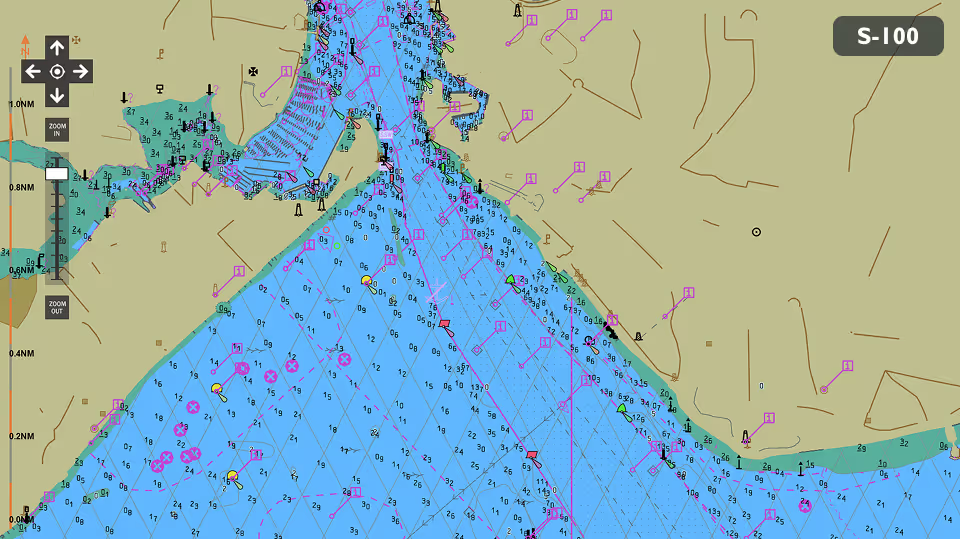
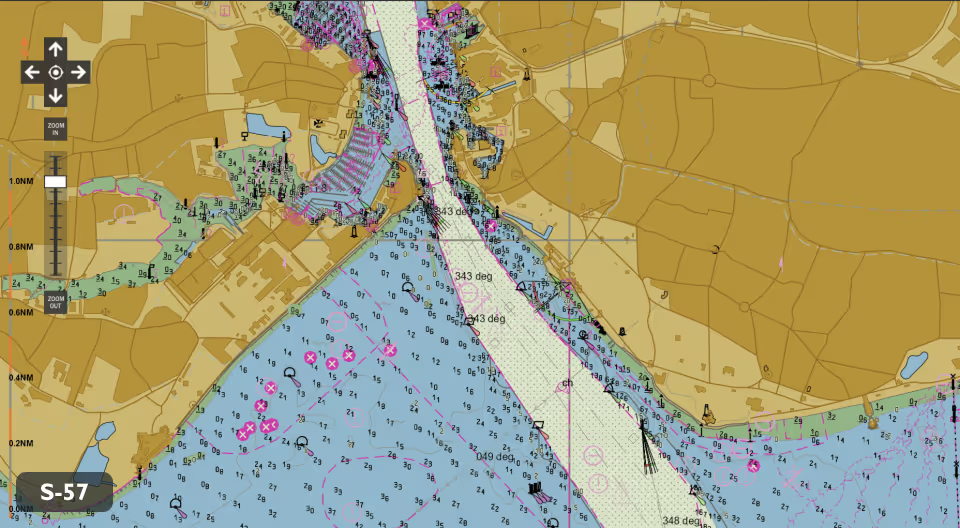
See How S-100 Works in a Real Planning Environment
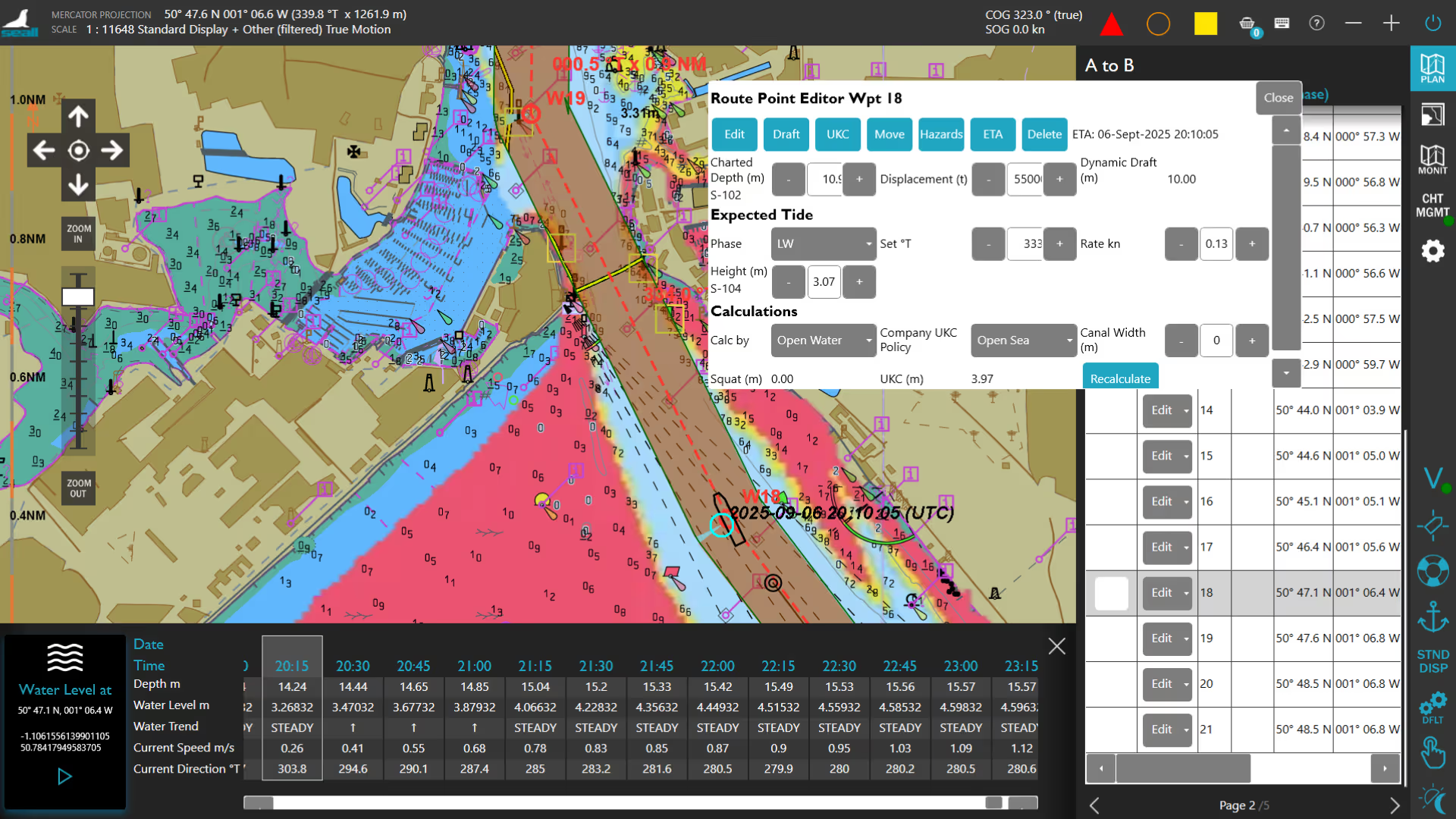
Seall’s Passage Planner is fully S-100-ready. Load real datasets, test live route calculations, and visualise how new data layers interact across your voyage plan.







Try, Learn, and Contribute
Discover how to import S-100 products into the system. Open Page 1: Data Management and click the three dots (…) to browse to the folder where you've stored the trial data from UKHO / SHOM. Select the CATALOG.XML file of the S100 product you wish to import and click Start. This process imports and organises the chart data, making it available for route planning and analysis.
Discover how to enable and disable datasets to control what information is visible on screen. This step helps you manage data layers efficiently and tailor the display to your needs.
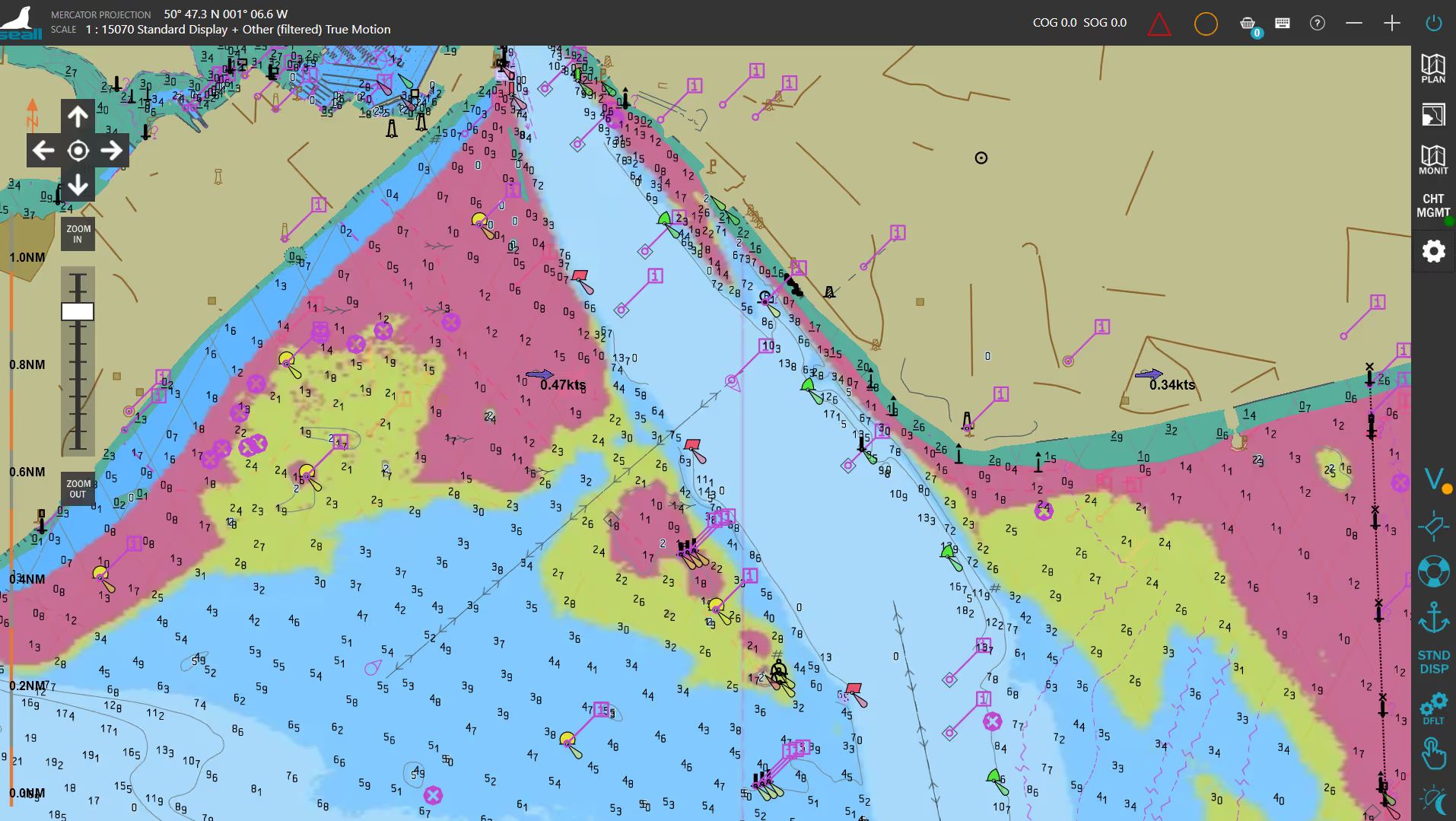
Discover how to select chart display options to customise how information appears on the chart. This step helps you improve clarity and readability for safer navigation.
Discover how to select chart display options to customise how information appears on the chart. This step helps you improve clarity and readability for safer navigation.
Discover how to add vessel details such as dimensions and draft. This step helps ensure route planning and safety calculations are accurate for your vessel.
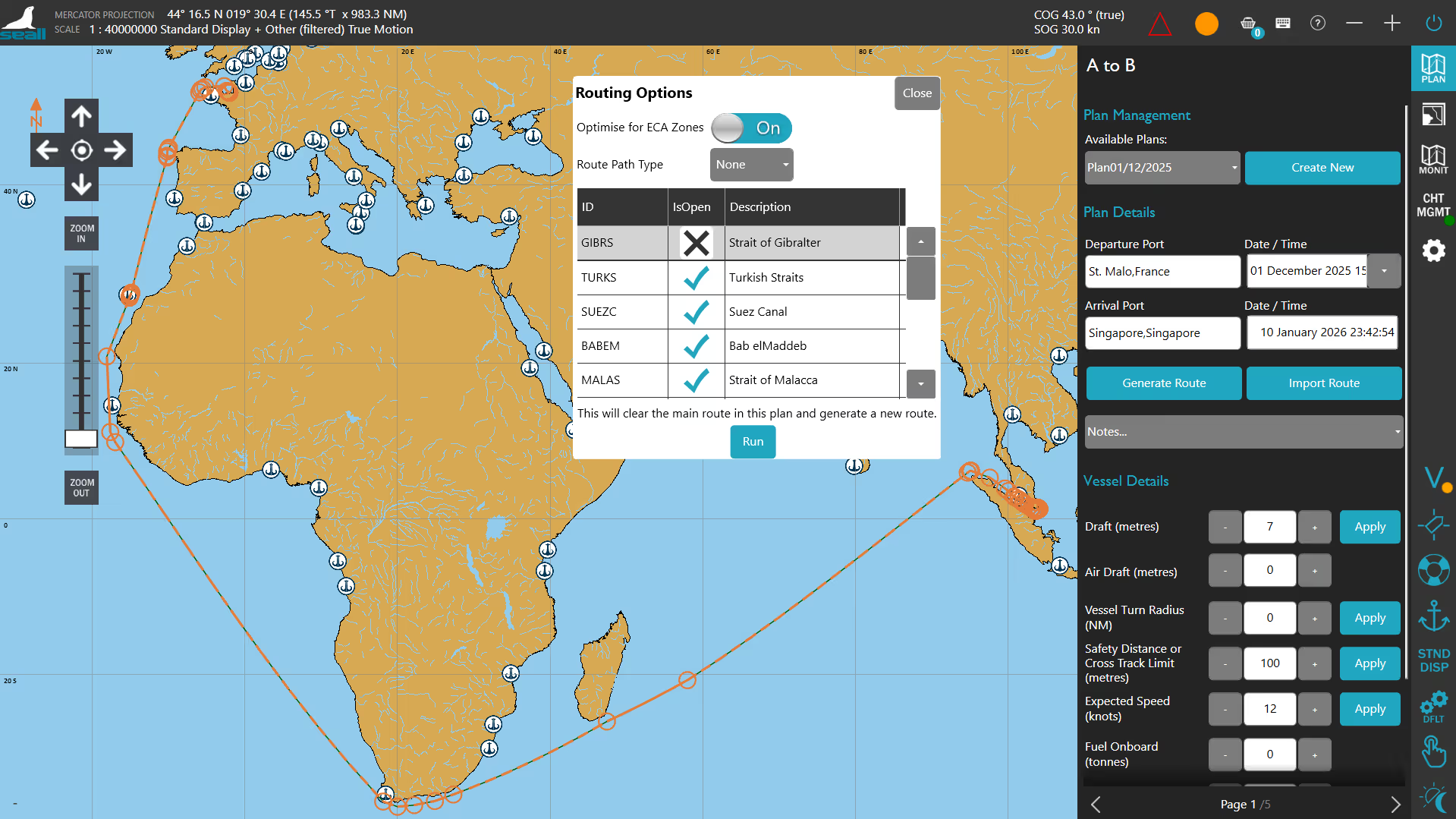
Discover how to generate a route using chart tools and waypoints. This step helps you create an initial voyage plan efficiently and accurately.
Discover how to review chart boundaries along your route. This step helps ensure chart coverage is available for the entire planned voyage.
Discover how to quickly edit a route by adjusting waypoints using drag and drop controls. This step helps you make efficient updates without recreating the route.
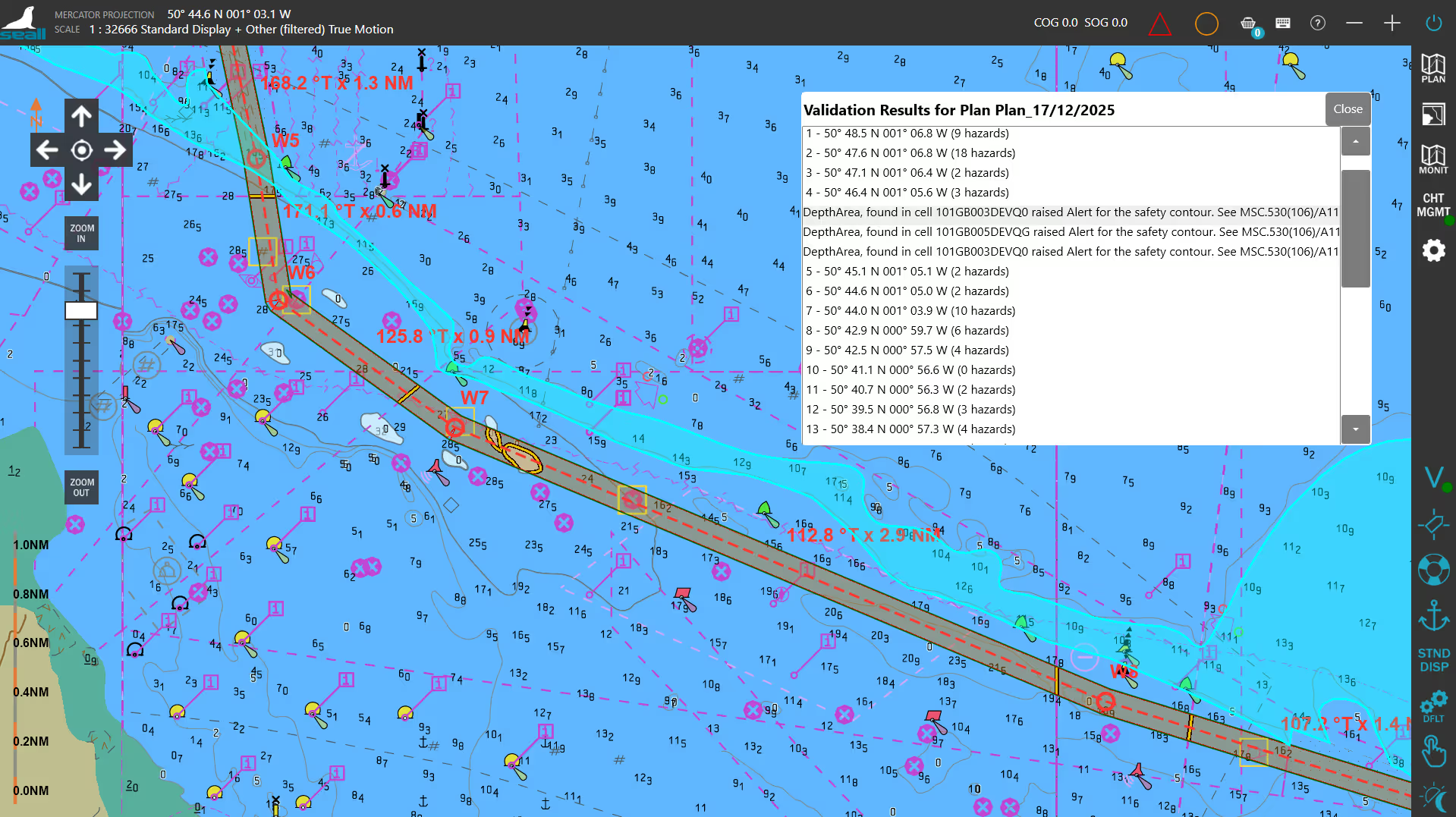
Discover how to validate a route to identify potential hazards and necessary ENC’s. This step helps ensure the route meets your safety requirements.
Discover how to review hazards along your route. This step helps you identify potential risks and make informed navigation decisions.
Discover how to review hazards along your route. This step helps you identify potential risks and make informed navigation decisions.
Discover how to set and view No-Go Areas on the chart. This step helps you define restricted depths to enhance navigational safety.
Discover how to use the UKC cursor to review depth and clearance information. This step helps you assess under keel clearance and ensure safe passage.
Discover how to import feature and portrayal catalogue files to ensure chart data is displayed correctly. This step helps you prepare the system for accurate and consistent chart visualisation.
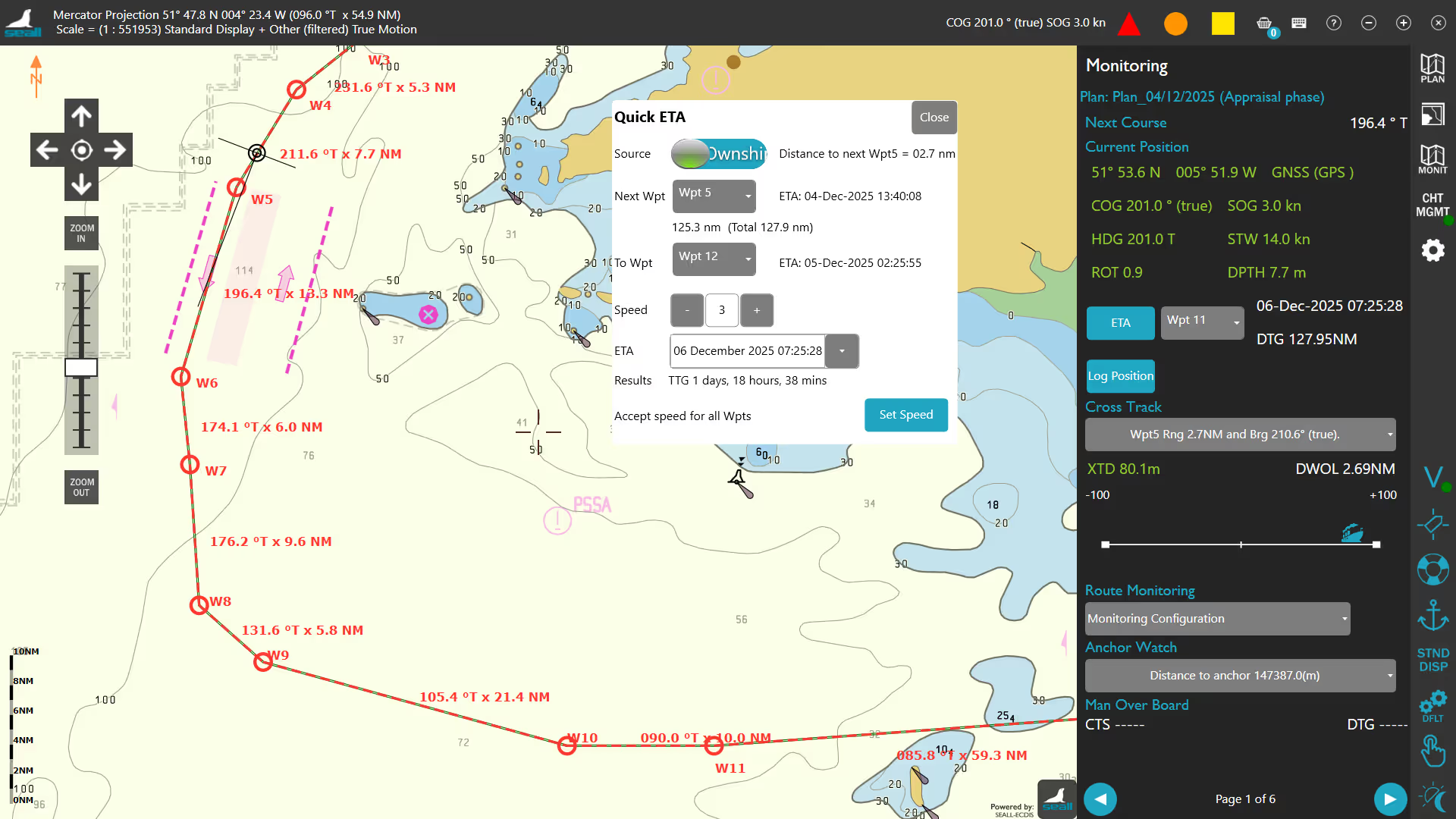
Discover how to simulate a vessel position. Page 4: Monitoring allows you to "PLOT" a vessel in the Eastern Solent, off Portsmouth, which you can manually control and stop as desired.
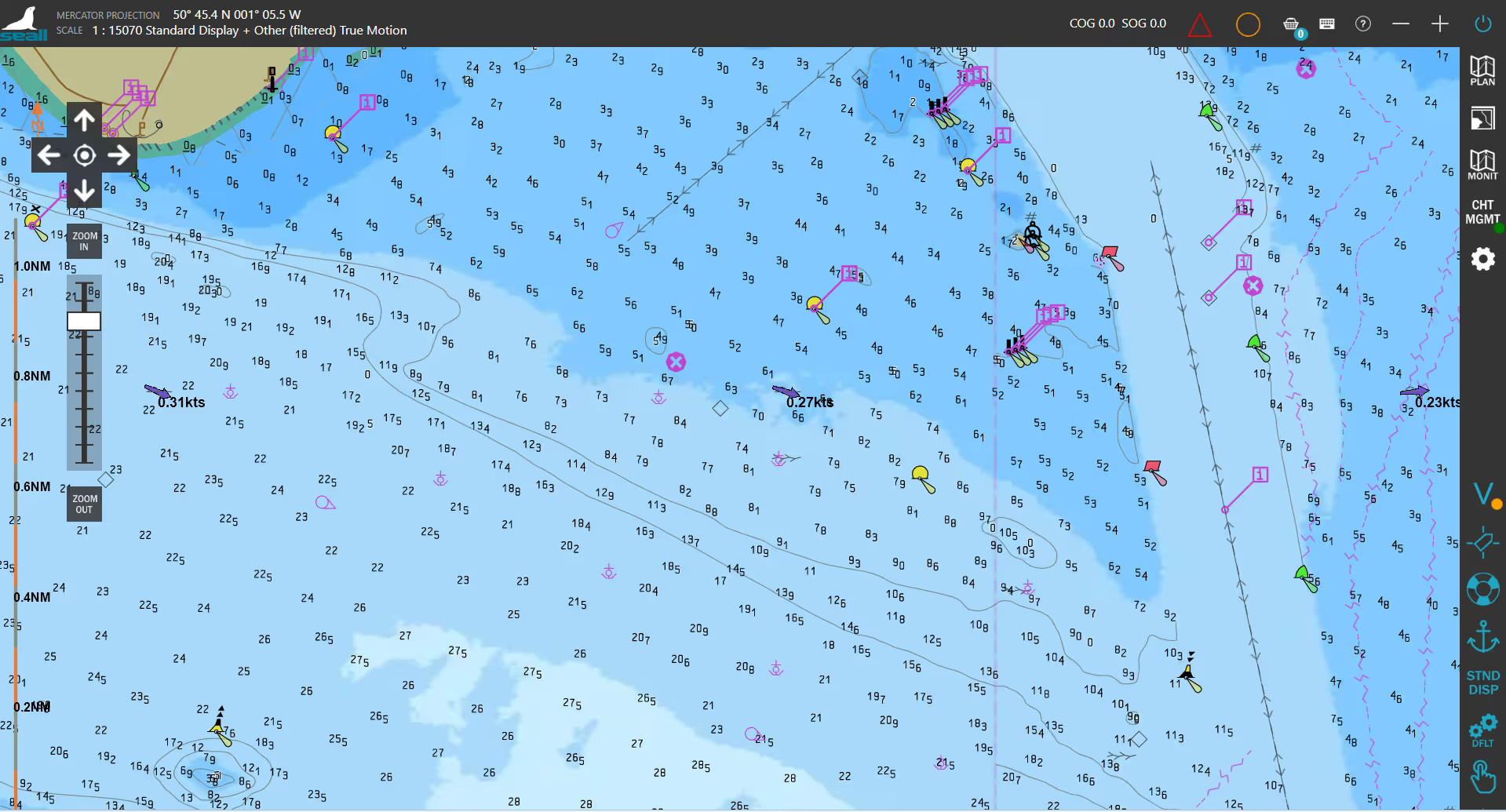
Discover how to drive your simulated vessel. Using the inner circle, you can control your simulated heading by clicking on the desired direction. While the outer circle controls your thrust. 100% thrust is equal to 25 knots. Both your simulated vessel's heading and speed will be reflected in Page 1: Monitoring.
Register for Your Free Access
Complete the form to receive your instant download link.
Discover More from SEALL
SEALL continues to bring its cutting-edge, innovative product line to the international marine markets, including leisure, workboat, and commercial.
Now powering over
60,000
licensed products globally.
Our smart, user-friendly technology simplifies the display, management, and sharing of navigational data, making critical information more accessible. That’s why Seall is the trusted technology partner for modern maritime solutions,